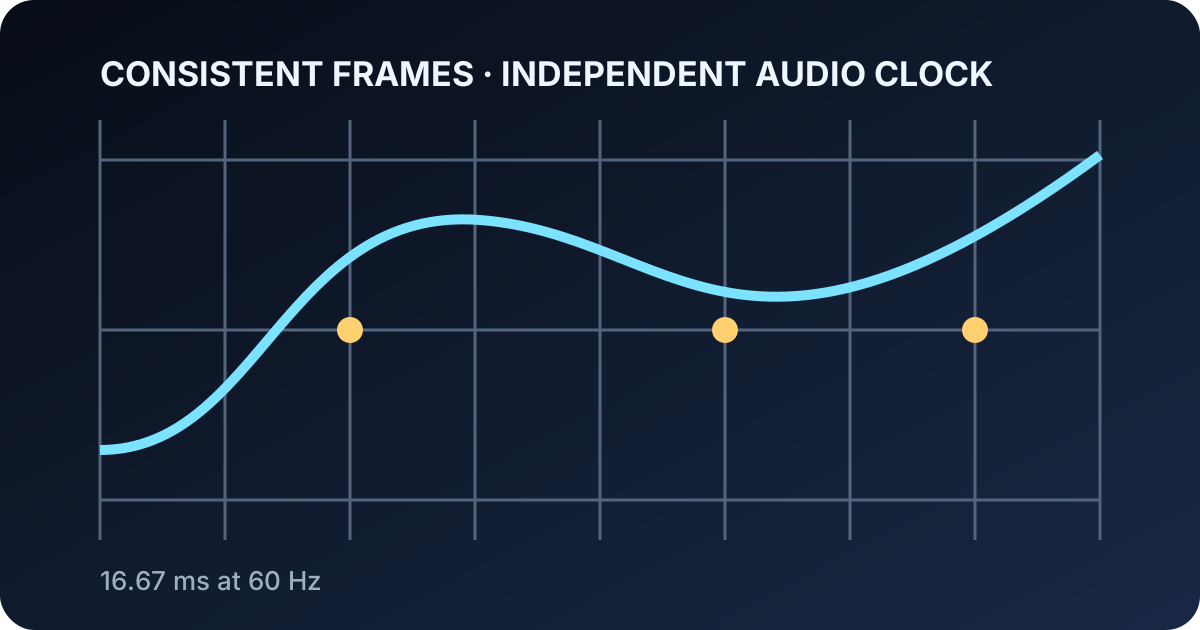
Users notice when impact sound arrives before contact or the gem follows a gesture one beat late. Interactive ASMR depends on event timing as much as sample quality.
Sixty FPS is not magic. It is one frame rhythm—about 16.67 ms at 60 Hz—inside systems that may render at 120 Hz, pause in the background, and process audio on another clock.
16.67 ms is the whole frame budget
Input, physics, transparent rendering, shadows, compositing, and browser work share the interval. Separate costs and adapt optional quality rather than sacrificing input.
Reuse gems, materials, and environment resources, and avoid remounting the Canvas when UI settings change.
- Input
- Physics
- Rendering
- Browser work
Move by elapsed time, not frame count
Per-frame constants run twice as fast at 120 Hz. Use timestamps and delta time, reset after backgrounding, and clamp extreme gaps.
Cooldowns and rewards also belong to time and event identifiers, not the number of animation callbacks.
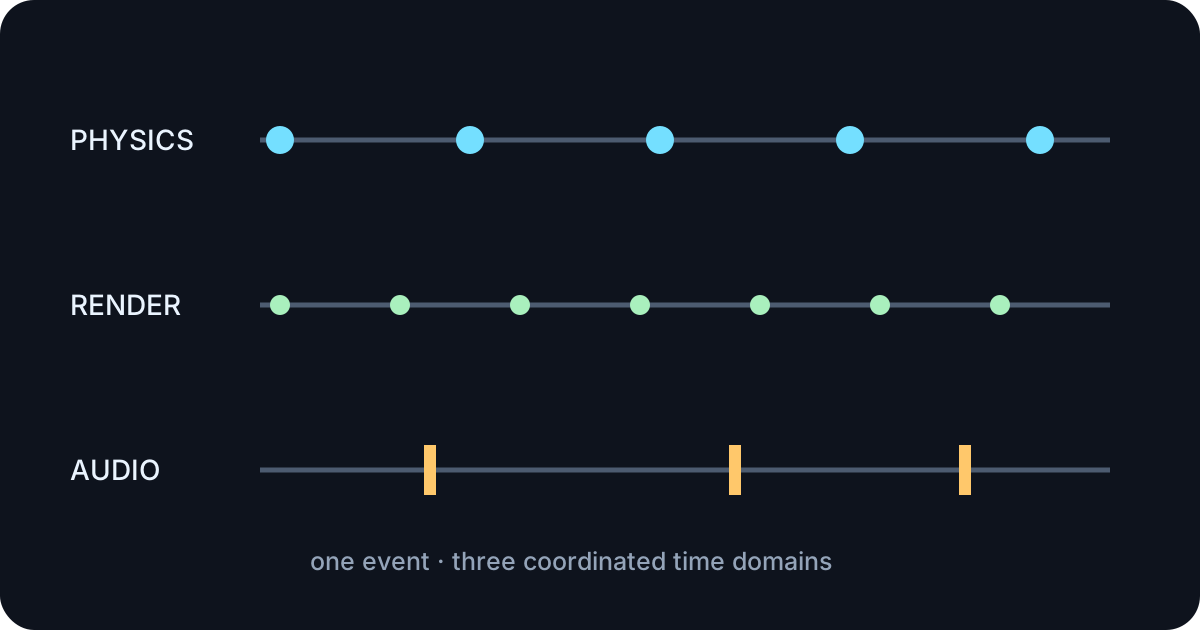
Fixed physics, interpolated visuals
Fixed steps keep contacts predictable. Limit catch-up steps and interpolate between previous and current simulation states for smooth display.
Use continuous collision detection selectively for fast important bodies and let resting bodies sleep.
- Fixed step
- Catch-up cap
- Interpolation
- Selective CCD
Audio owns another clock
AudioContext.currentTime schedules sources independently of minor main-thread jitter. A collision can only be scheduled after physics confirms it, so use a short consistent delay and preserve the event timestamp.
Where supported, getOutputTimestamp helps relate audio context time to performance time. Variation should alter pitch and volume, not destroy causal timing.
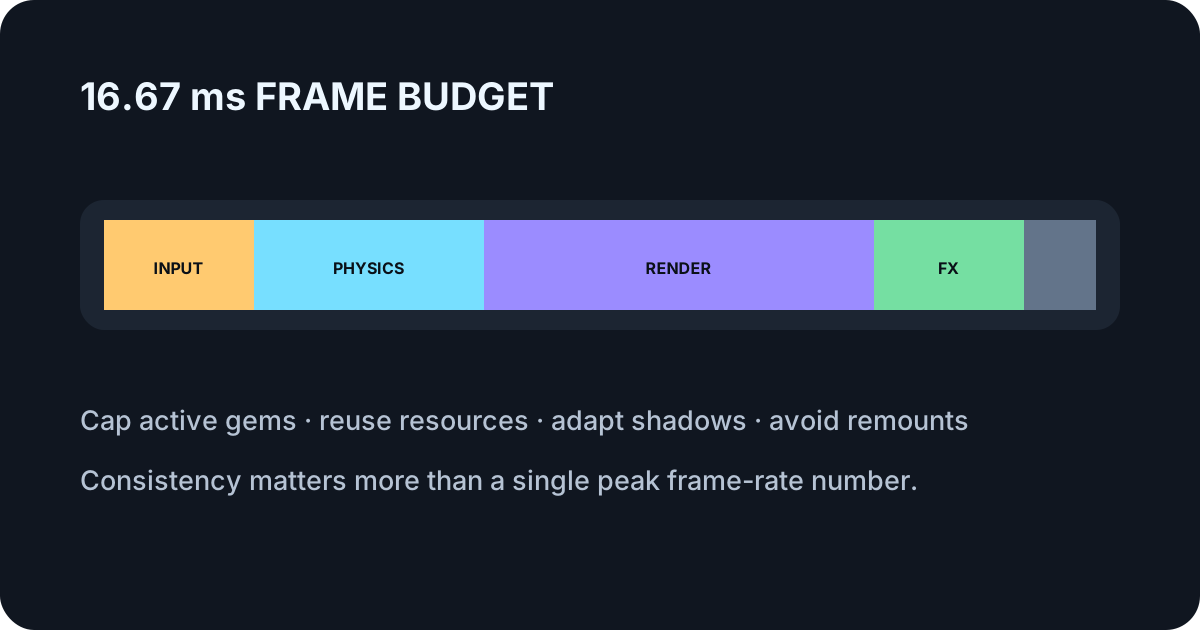
Limits and reuse protect 60 FPS
Cap active gems and particles, sleep stable bodies, bound pixel ratio, adapt shadows, and prevent wallet, language, or ad state from rebuilding the scene.
Quality should change from a window of measurements, not oscillate after one slow frame.
- Object limits
- Sleeping
- Adaptive pixels and shadows
- Stable Canvas boundary
Record with track timestamps, not hope
Canvas capture, audio destination, and encoder buffers can begin at different moments. Verify track readiness and compare visible impact markers at the start, middle, and end of a downloaded clip.
Requested 60 FPS is not guaranteed by every display or encoder. Report the requested rate separately from the measured file.